

Powerful data capture fueled by Gravity Forms.
The most powerful solution for building custom forms and flows to connect with your users and expand your reach. All in WordPress.





Trusted by the biggest brands in the galaxy







One giant leap for WordPress forms— Gravity Forms helps you use your data for good.
Create custom web forms to capture leads, collect payments, automate your workflows, and build your business online.
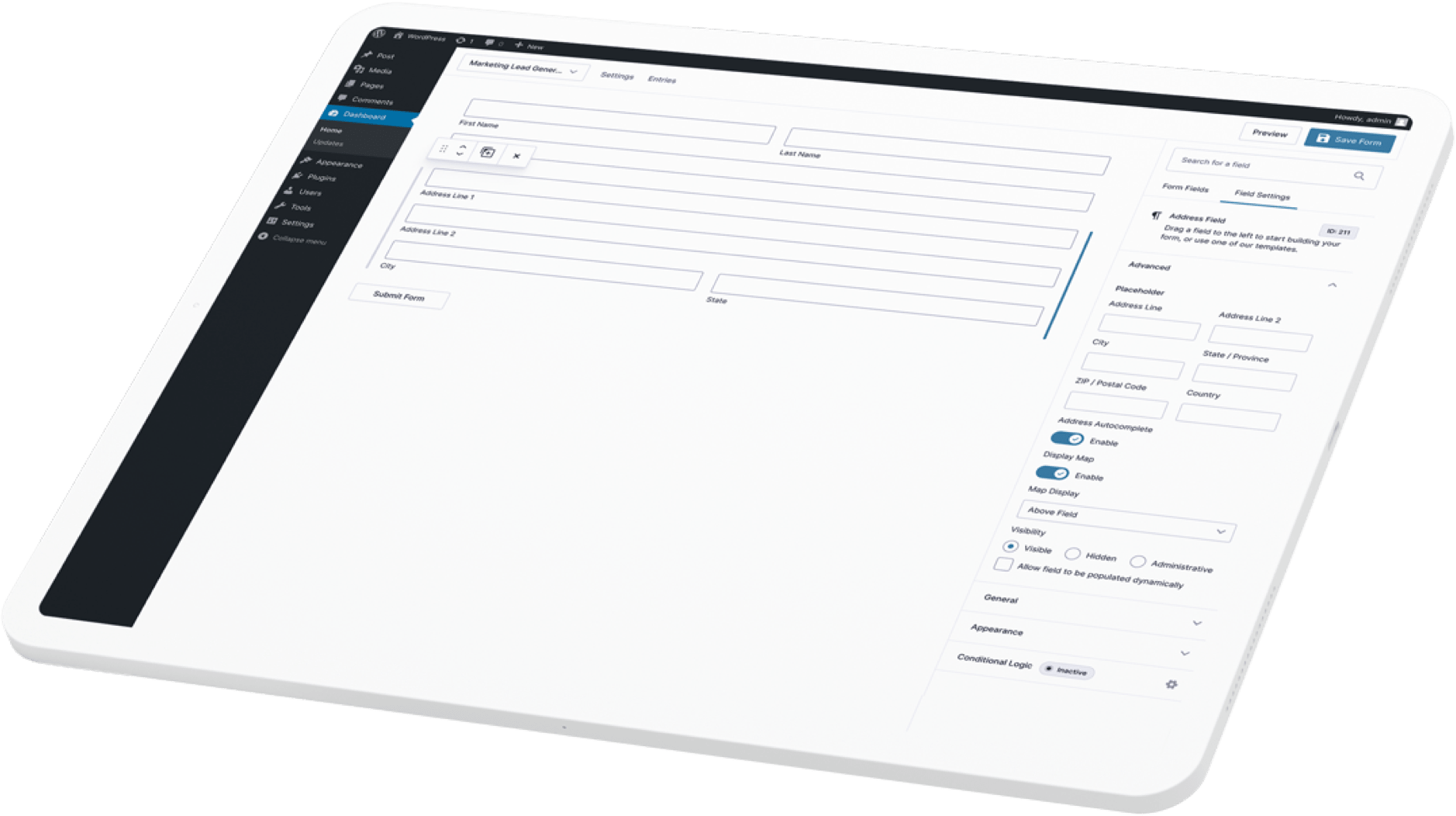
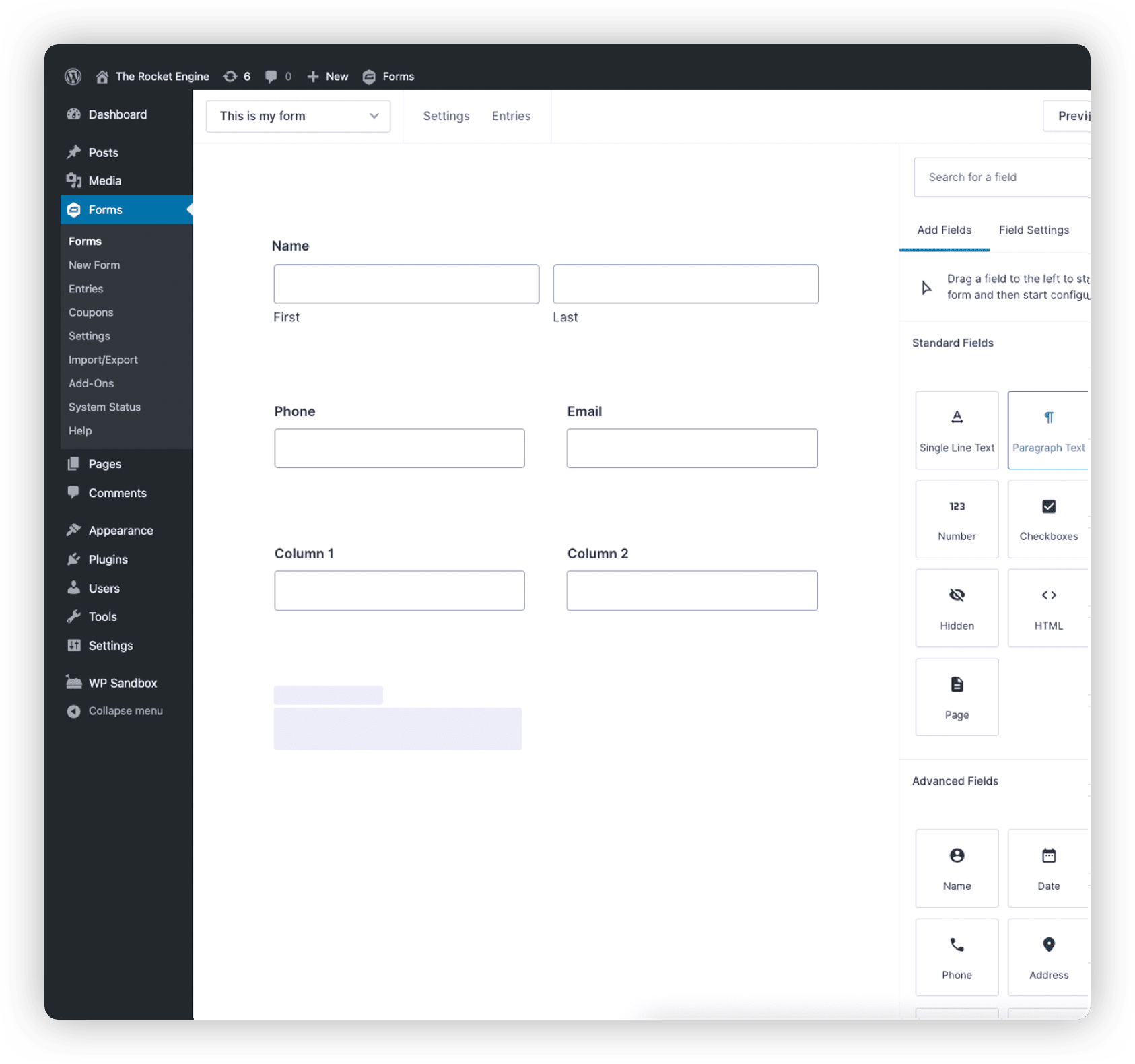
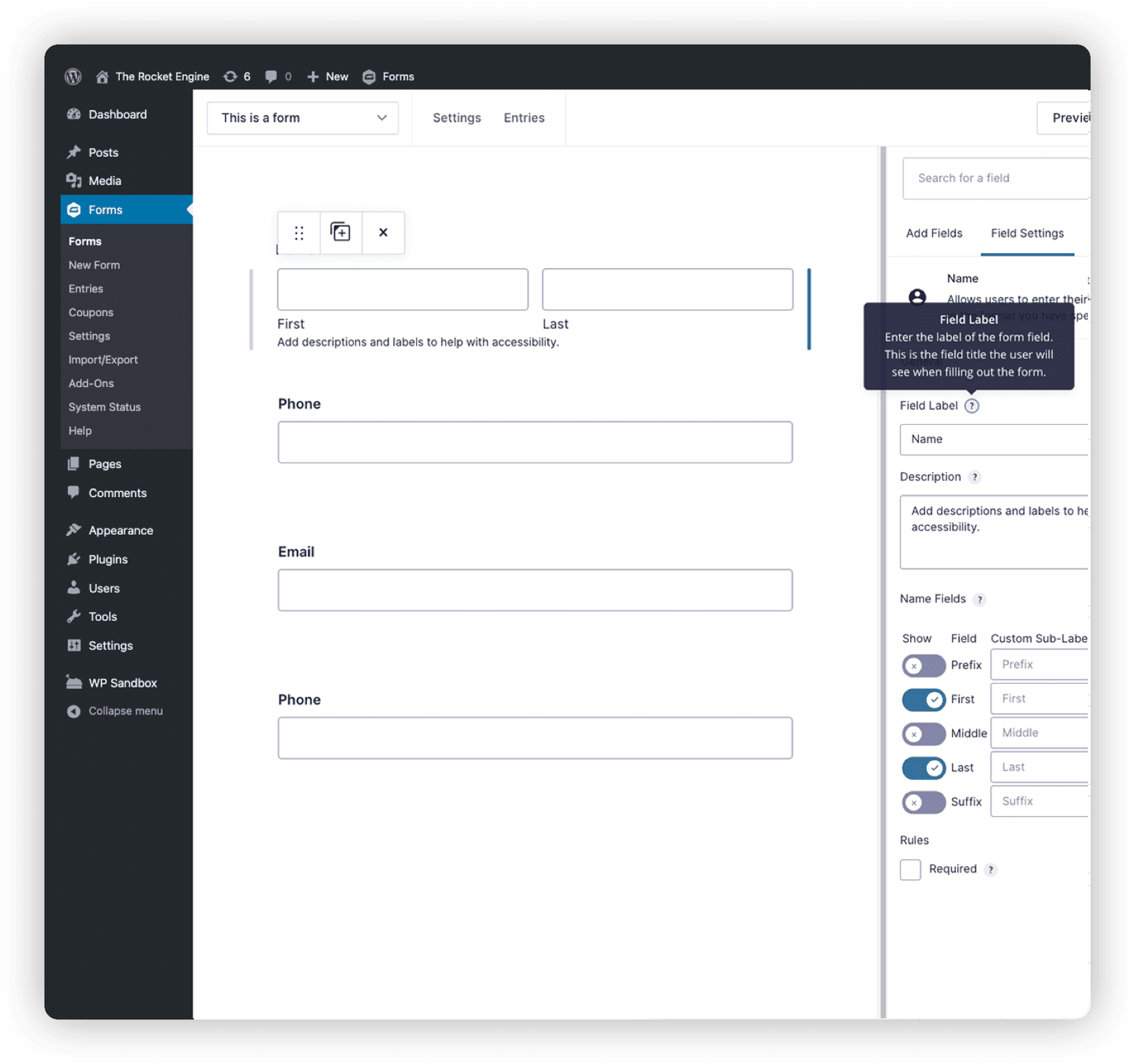
 Visual Form Editor
Quickly design and build your WordPress forms using the intuitive visual form editor. Select your fields, configure your options, and easily embed forms on your site.
 Online Payment Collection
From registrations to subscriptions, donations to product sales, Gravity Forms lets you manage transactions with the same tool you use to create contact forms on your site.
 Workflow Automation
Configure your form to show or hide fields, sections, pages, and buttons based on user selections. Easily set custom automated workflows for any form you create.
 Conditional Logic
Make your forms more relevant to your audience by displaying or hiding fields, sections, or entire pages based on user inputs.
 Secure Data Collection
We put a virtual airlock in place when it comes to your data. Our state-of-the-art security measures keep your data safe and your mind at ease.
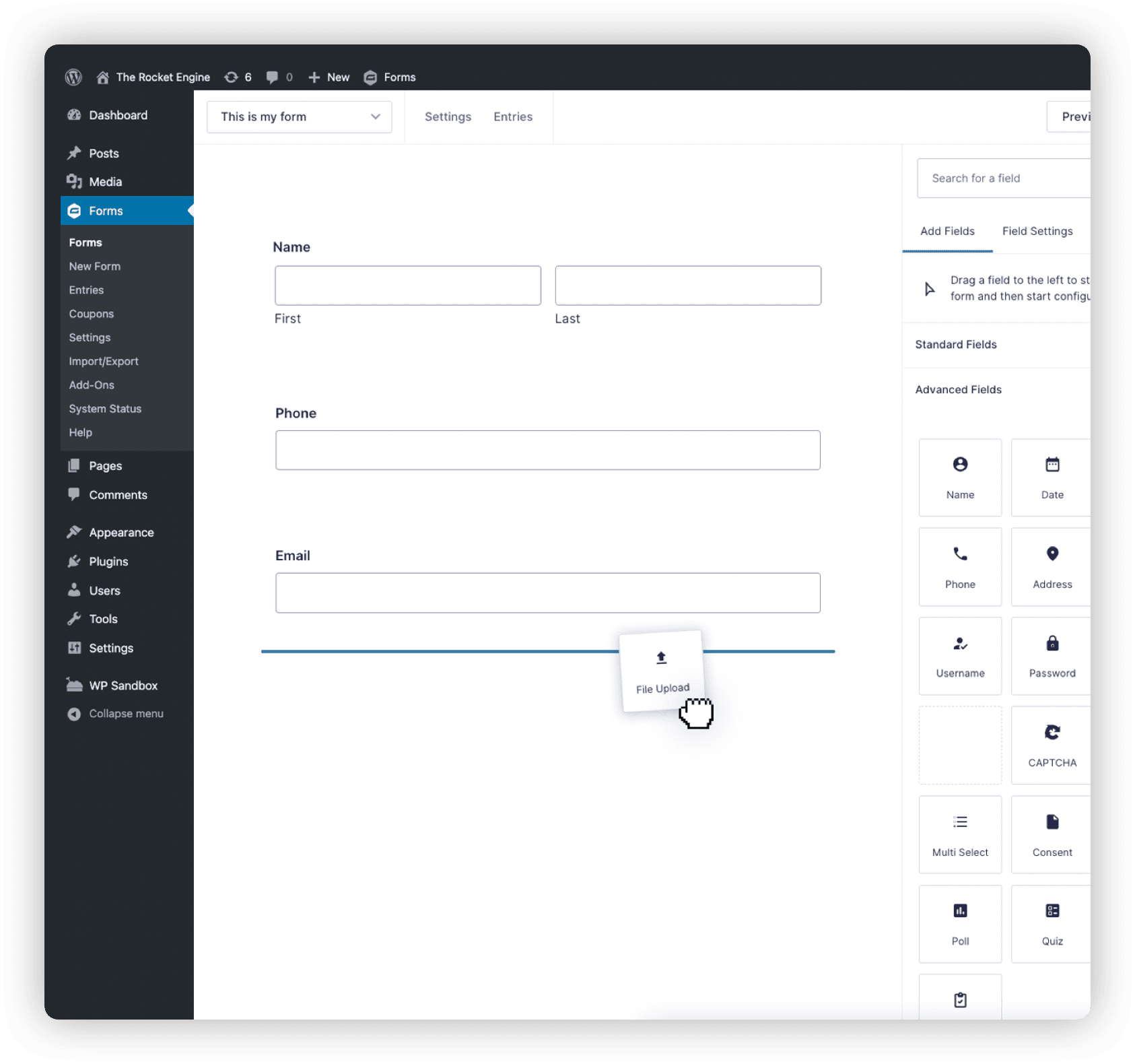
 File Uploads
Need to have your users submit documents, photos, or other attachments? It’s not rocket science. Just add file upload fields to your form to save the files directly to your server.
All the tools you need to build professional forms online.
The only WordPress form management plugin you will ever need. Packed with tons of time-saving tools and features.

Prepare for lift off.
Build beautiful and powerful forms from scratch, or kickstart your flow with our pre-built templates













Connect with the apps you love.
Integrate your favorite services and add advanced features with official add-ons from Gravity Forms. Each license offers a range of add-ons included with your annual subscription.








Trusted by thousands of web professionals.
Check out all the good vibes from our stellar customers across the globe. We love to feel the love. And seeing their success? Well let’s just say we’re over the moon.
 Buy Gravity Forms Now
My WordPress plugin hero of the day is Gravity Forms. It is so useful for so many different situations.”

From simple contact forms to the ability to create e-commerce forms, nothing you can’t do.”

Stores data in a logical way and notifications and conformations are intuitive and easy to use.”

The ability to connect with so many third-party solutions has made it our preferred form plugin.”

Transparent pricing?
That's affirmative
Whether you’re flying solo or leading the enterprise, Gravity Forms has a plan for everyone. Get the details and always know what you’ll pay.
Basic License
- 1 Site
- Standard Support
- HubSpot Add-On
- Mailchimp Add-On
- Active Campaign Add-On
- Campaign Monitor Add-On
- See all Add-Ons included...
Elite License
- Unlimited Sites
- Priority Support
- WordPress Multisite
- User Registration Add-On
- Authorize.net Add-On
- Coupons Add-On
- Partial Entries Add-On
- Polls Add-On
- Signature Add-On
- Survey Add-On
- See all Add-Ons included...
Pro License
- 3 Sites
- Standard Support
- Stripe Add-On
- Dropbox Add-On
- Square Add-On
- Zapier Add-On
- Trello Add-On
- PayPal Add-On
- See all Add-Ons included..